Will AI Replace Interior Designers? What the Evidence Actually Says
The short answer is no — AI will not replace interior designers, and the data backs it up. The rise of AI interior design tools has designers and homeowners asking the question, but the U.S. Bureau of Labor Statistics still projects the profession to grow through 2034, adding jobs rather than shedding them. What AI is actually doing is reshaping the job — automating the slow parts and leaving the human parts firmly in human hands.

This piece separates what AI genuinely can and cannot do in interior design, why designers who use AI beat both AI-only and AI-free competitors, and what it means for the career.
The Short Answer: AI Is a Tool, Not a Replacement
Interior design keeps showing up on «jobs AI will kill» lists, but the actual employment numbers tell a different story. AI has changed how designers work day to day, yet it hasn’t changed how many designers the market needs — if anything, the opposite is true.
What the job numbers say
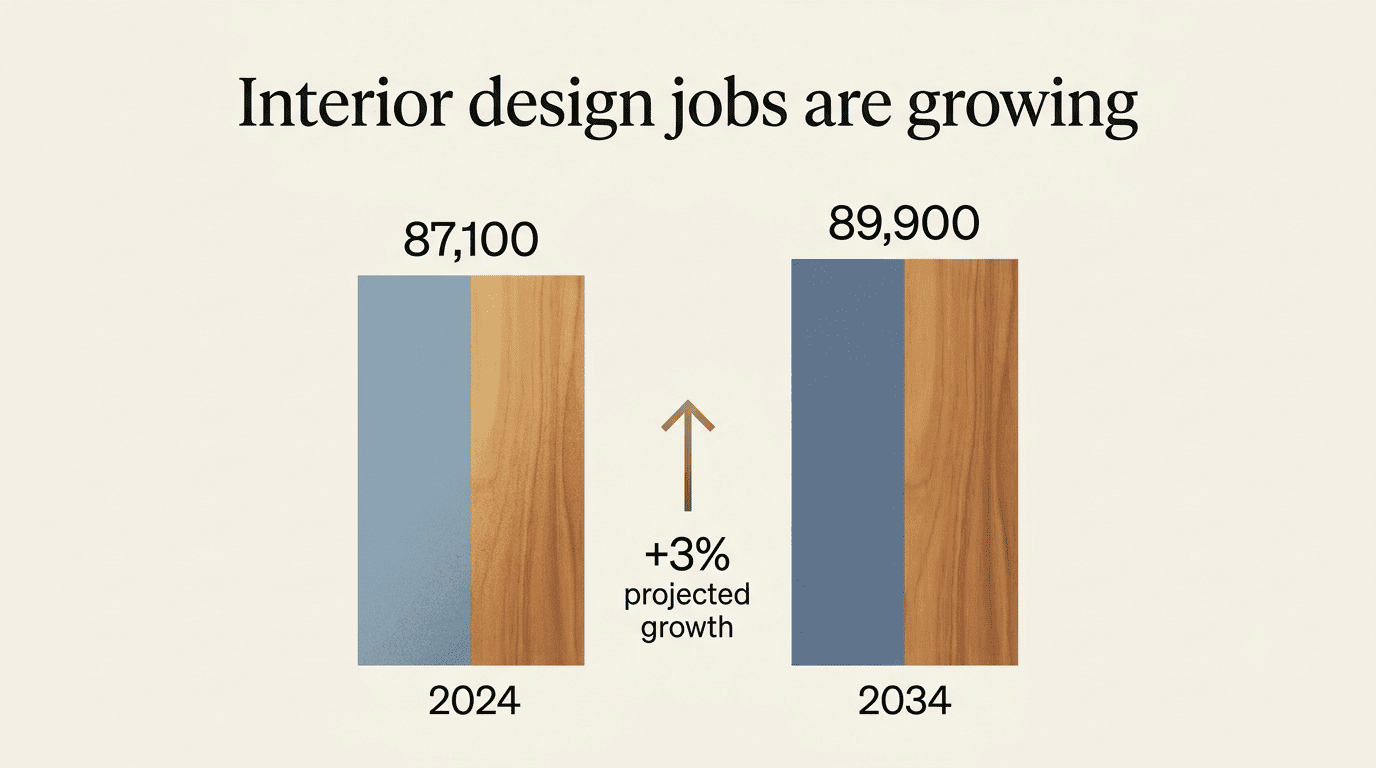
The interior design profession employed 87,100 people in 2024, and the U.S. Bureau of Labor Statistics projects 3% growth through 2034 — a pace roughly in line with the average for all occupations. That translates to about 2,800 net new jobs plus roughly 7,800 openings a year from turnover and retirements. A field being «replaced» by AI does not typically post positive growth projections in a federal labor forecast.
A quick snapshot of where the numbers stand:
- Employment (2024): 87,100 interior designers nationwide
- Projected growth (2024–2034): 3%, about average for all occupations
- Annual openings: roughly 7,800 per year
- Median annual pay: $63,490
The consensus across the industry
Ask design studios, software vendors, or professional associations the same question, and the answer converges: AI augments the work, it doesn’t replace the worker. The tools accelerate the parts of the job that were always mechanical — drafting, rendering, iterating — while leaving the parts that require judgment, taste, and accountability untouched. That’s the pattern across almost every corner of the design industry right now, not a one-off opinion from a single vendor.
What AI Can Actually Do in Interior Design
AI’s real strength in this field is volume and speed, not judgment. Where a human designer might sketch two or three concepts for a client meeting, an AI tool can produce dozens of variations before the coffee gets cold — which is genuinely useful, as long as someone still has to choose, refine, and defend the final one.
Layout and rendering speed. AI can visualize 50 layout iterations in roughly the time it used to take to produce one by hand — generating color palettes, furniture arrangements, floor plans, and photorealistic renders in seconds instead of hours. This is where AI genuinely outperforms manual work, and it’s the reason most studios have already adopted some form of it. Layout-heavy projects like AI interior design for kids’ rooms, where furniture placement and safety clearances need multiple passes, benefit especially from this kind of rapid iteration.
Predictive analytics and trend data. AI can surface patterns across thousands of projects — which palettes are trending in a given region, which furniture pairings perform well — turning what used to be a designer’s gut instinct into a data point they can check.
VR/AR walkthroughs. Clients can move through a space before a single wall is painted, catching scale or flow problems that are hard to spot on a flat rendering.
Administrative automation. Proposals, mood-board assembly, scheduling, and other repetitive back-office tasks increasingly run on autopilot, freeing up hours that used to disappear into paperwork.
What AI outputs at this stage are strong drafts — not finished, client-ready projects. Someone still has to turn a draft into a space a family actually wants to live in.
What AI Cannot Do (and Probably Won’t)
The list of things AI can’t do in interior design is shorter than the list of things it can — but the items on it happen to be the ones clients actually pay for.
Empathy and context
AI can follow a prompt for a «minimalist living room,» but it can’t grasp the sentimental value of a client’s heirloom rug or intuit the specific lighting needs of an elderly homeowner who struggles with glare. It also tends to misread cultural context — for example, applying Talavera tile decoratively in a Spanish-revival space without understanding its regional and historical meaning. A few recurring blind spots show up again and again:
- Sentimental attachment to inherited furniture or objects
- Accessibility needs tied to age, mobility, or vision
- Regional and cultural design conventions
- Family dynamics that shape how a room actually gets used
- Budget trade-offs that require reading between the lines of what a client says versus what they mean
Judgment, hands-on work, and coordination
A designer coordinates contractors, architects, and vendors end-to-end, adapts to a real site’s quirks — an out-of-square wall, a delayed shipment, a permit issue — and takes responsibility for a livable result. AI can’t place the order for the products in its own render, can’t manage a build schedule, and can’t be held accountable when a delivery falls through. It also struggles to genuinely break creative patterns the way a human vision, drawing on lived experience, still can.
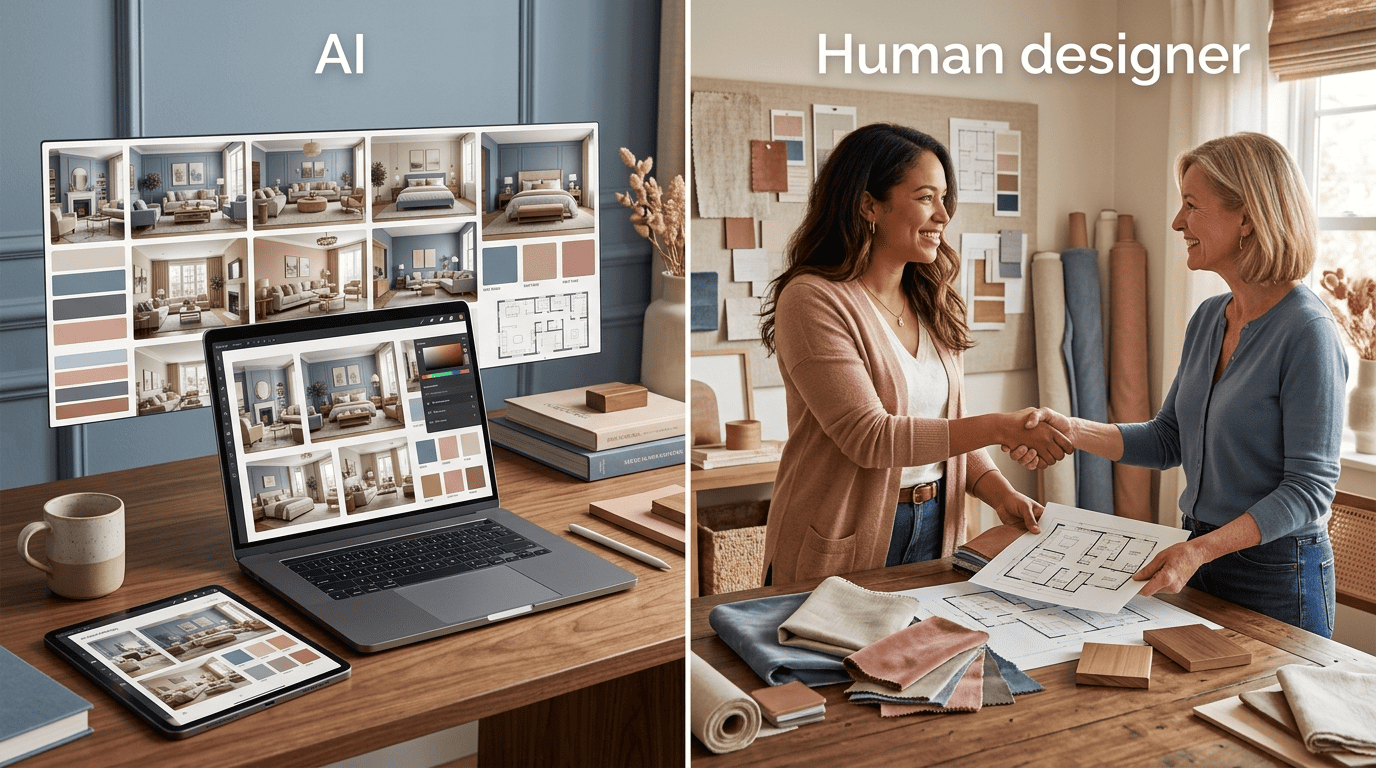
| Capability | AI | Human designer |
|---|---|---|
| Generate layout options fast | Strong | Slower, more deliberate |
| Photorealistic rendering | Strong | Requires software + time |
| Reading sentimental/emotional context | Weak | Strong |
| Cultural and regional nuance | Weak to moderate | Strong |
| Coordinating contractors and vendors | None | Strong |
| Accountability for the finished space | None | Strong |
| Creative pattern-breaking | Limited | Strong |
How Smart Designers Are Using AI Right Now
The winning model isn’t «AI or human» — it’s AI for the first draft, human for everything that turns a draft into a finished room.
The hybrid workflow
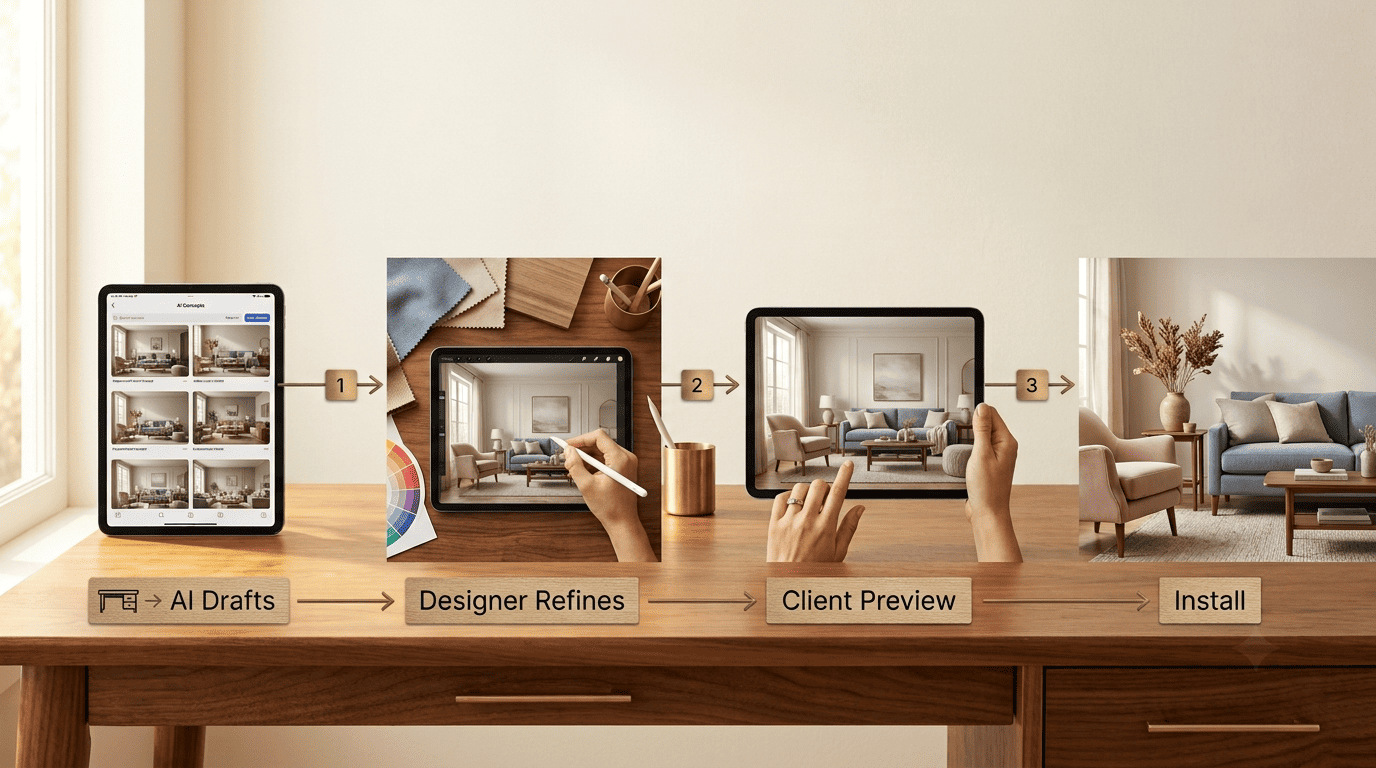
AI handles the fast first pass: concepts, palettes, and renders that used to take days now take minutes. The human designer then refines those drafts, runs them past the client, sources the actual products, and manages execution on site. Designers who adopt this workflow deliver more options faster than they could alone; designers who ignore AI entirely increasingly find themselves outpaced — not by AI itself, but by AI-using competitors who move quicker for the same fee.
As Steve Jobs put it, in a line that applies as much to a rendered living room as to a piece of software:
Design is not just what it looks like and feels like. Design is how it works.
Steve Jobs
A fast render that looks good in a mood board is only half the job. The other half is whether the finished room actually works for the people living in it — and that’s the half AI doesn’t touch.
Where a human still closes the deal
Client trust, in-person walkthroughs, negotiating trade-offs between budget and ambition, and standing behind the finished space — like a warm, functional AI interior design for living rooms that actually fits how a family lives day to day — remain firmly human territory. No client signs off on a six-figure renovation based on a chatbot’s word.
Here’s roughly how designers who’ve adopted AI structure the process:
- Brief the AI tool with the client’s needs, budget, and style references
- Generate a batch of layout and palette options in minutes
- Shortlist the two or three concepts worth developing further
- Refine the chosen concept by hand — proportions, materials, lighting
- Walk the client through a VR/AR preview and gather feedback
- Source real products and confirm contractor availability
- Manage installation and handle on-site adjustments
Is Interior Design Still a Good Career in the AI Era?
By the numbers, yes. It’s a growing field with steady annual openings, and the skill that’s appreciating in value isn’t design talent alone or AI fluency alone — it’s the two layered together.
| Metric | Figure |
|---|---|
| Employment (2024) | 87,100 |
| Projected growth (2024–2034) | 3% |
| Annual job openings | ~7,800 |
| Median annual pay | $63,490 |
Designers entering or staying in the field today benefit from building a specific mix of skills:
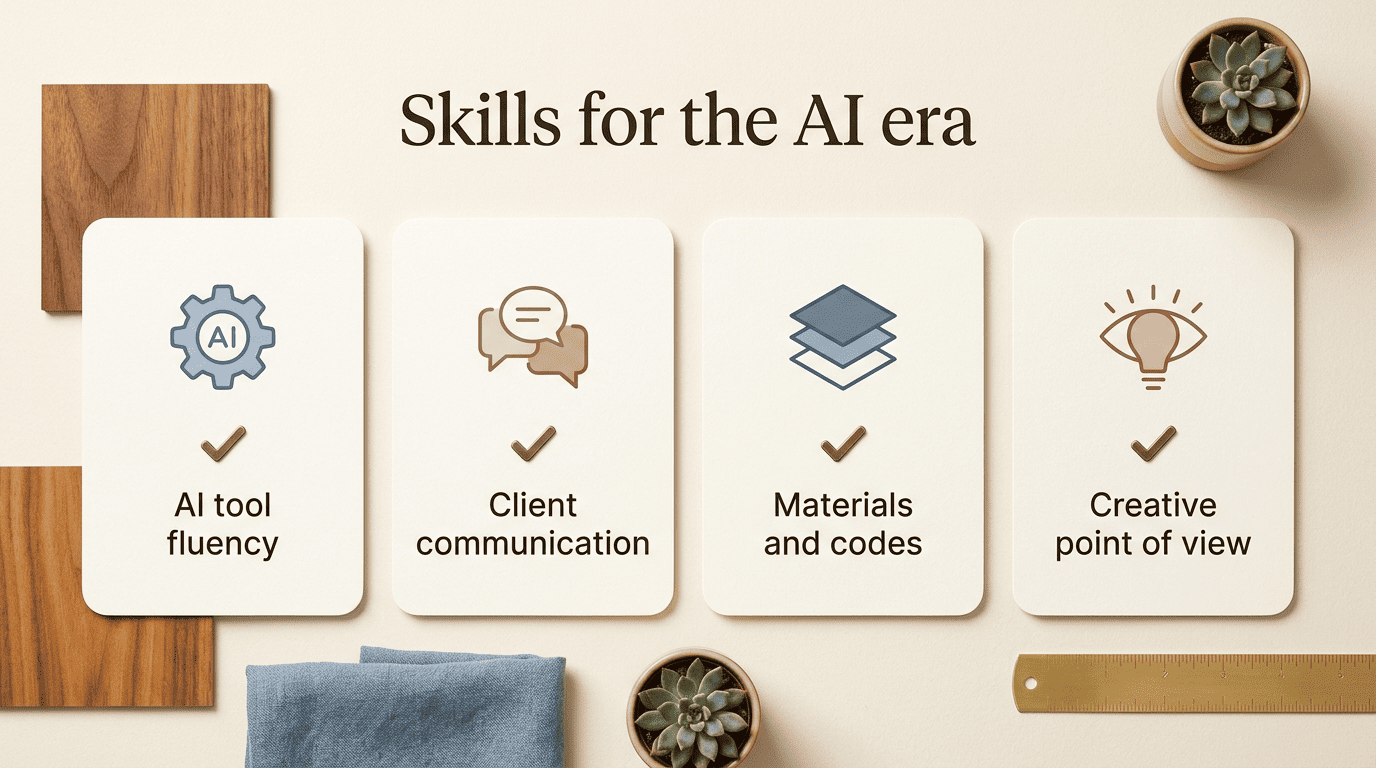
- Fluency with AI rendering and layout tools, not fear of them
- Strong client communication and the ability to translate vague requests into a brief
- Working knowledge of materials, codes, and contractor management
- A point of view — the kind of creative judgment a prompt can’t replicate
Professional bodies like the American Society of Interior Designers and reference sources such as Wikipedia’s overview of interior design both describe the field as a practice built on training, licensing in many states, and hands-on project experience — none of which AI can substitute for on its own.